Payload Builder
The Payload Builder provides a structured UI for constructing valid A2A JSON-RPC message payloads without needing to write raw JSON.
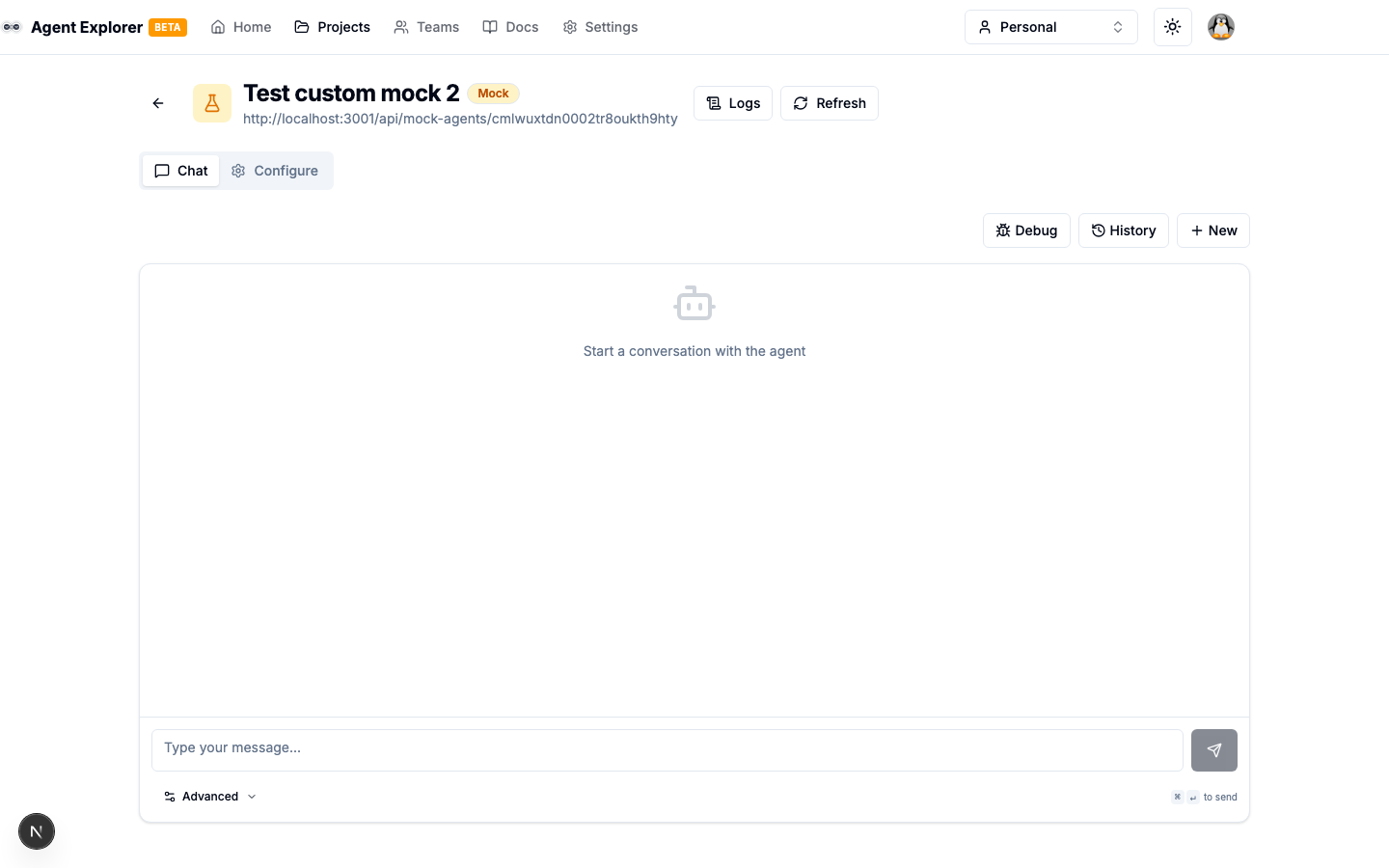
Accessing the Builder
- Open an agent from the Explorer
- Go to the Test tab
- Use the advanced input options or the Payload Builder button in the toolbar
Building a Message
Basic Fields
- Message ID — Auto-generated UUID (editable if needed)
- Role — Always
"user"for outgoing messages
Adding Parts
Click Add Part and choose a type:
| Part Type | Use Case |
|---|---|
| Text | Plain text content, the most common type |
| File | Binary file attachments (base64 encoded) |
| Data | Structured JSON data payloads |
Text Part
{ "kind": "text", "text": "Your message here" }
File Part
{
  "kind": "file",
  "file": {
    "name": "example.txt",
    "mimeType": "text/plain",
    "bytes": "SGVsbG8gV29ybGQ="
  }
}
Data Part
{
  "kind": "data",
  "data": { "customField": "value" }
}
Templates
Save frequently-used payloads as templates and reload them quickly:
- Build your payload
- Click Save as Template
- Give it a name
- Load it again from the Templates dropdown
Preview & Send
- Click Preview to see the full JSON-RPC envelope
- Verify the structure
- Click Send to execute the request
The response appears in the conversation view alongside the task state.